 Muttmates
We planned a real Sydney to Melbourne dog road trip: here's what came out

The best way to show what the route planner actually does is to run it on a trip long enough to matter. So we picked a proper one: Agnes Banks, on the western edge of Sydney, all the way down to Melbourne, cutting inland through Wagga Wagga and Hay rather than following the coast. It is a long day, or a comfortable two, and it is exactly the kind of trip where a dog owner ends up guessing at stops if nobody planned them first. Here is every screen it produced, in order, plus the PDF you would actually print and put in the glovebox.
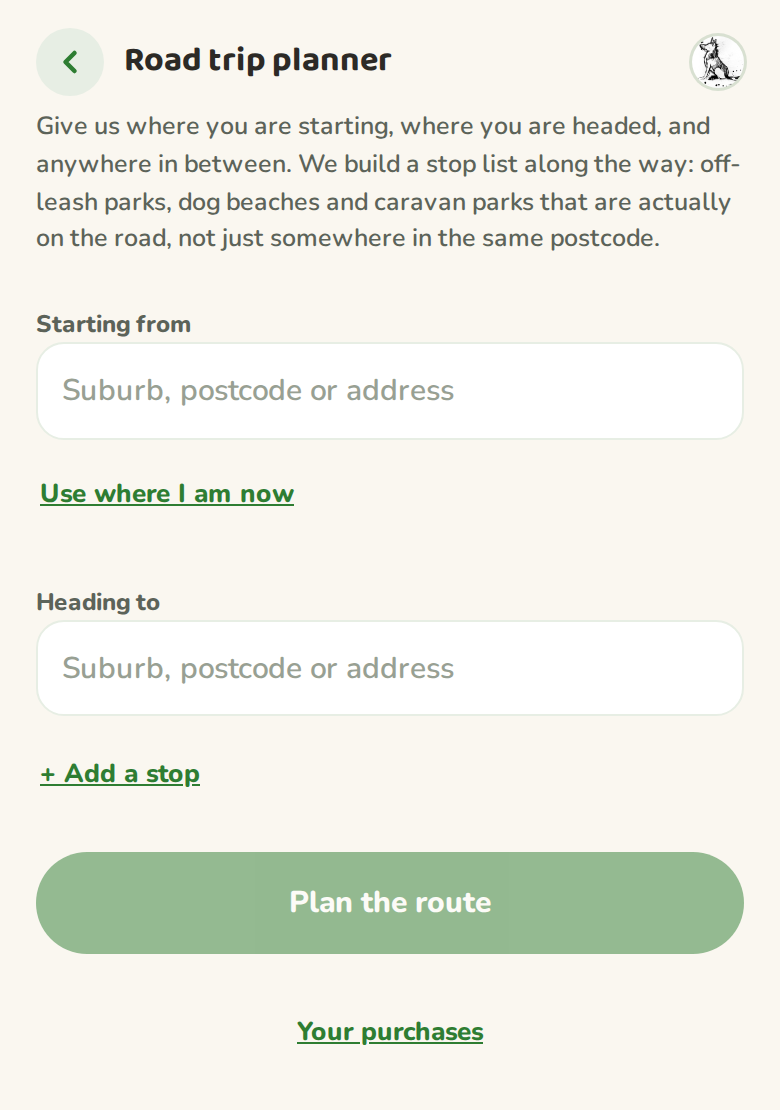
Start with three fields
Starting point, destination, and as many stops in between as the trip needs. We put in Agnes Banks NSW as the start and Melbourne VIC as the finish, then added Wagga Wagga and Hay as stops on the way, both towns that sit well off the direct Hume Highway run and force a proper detour.
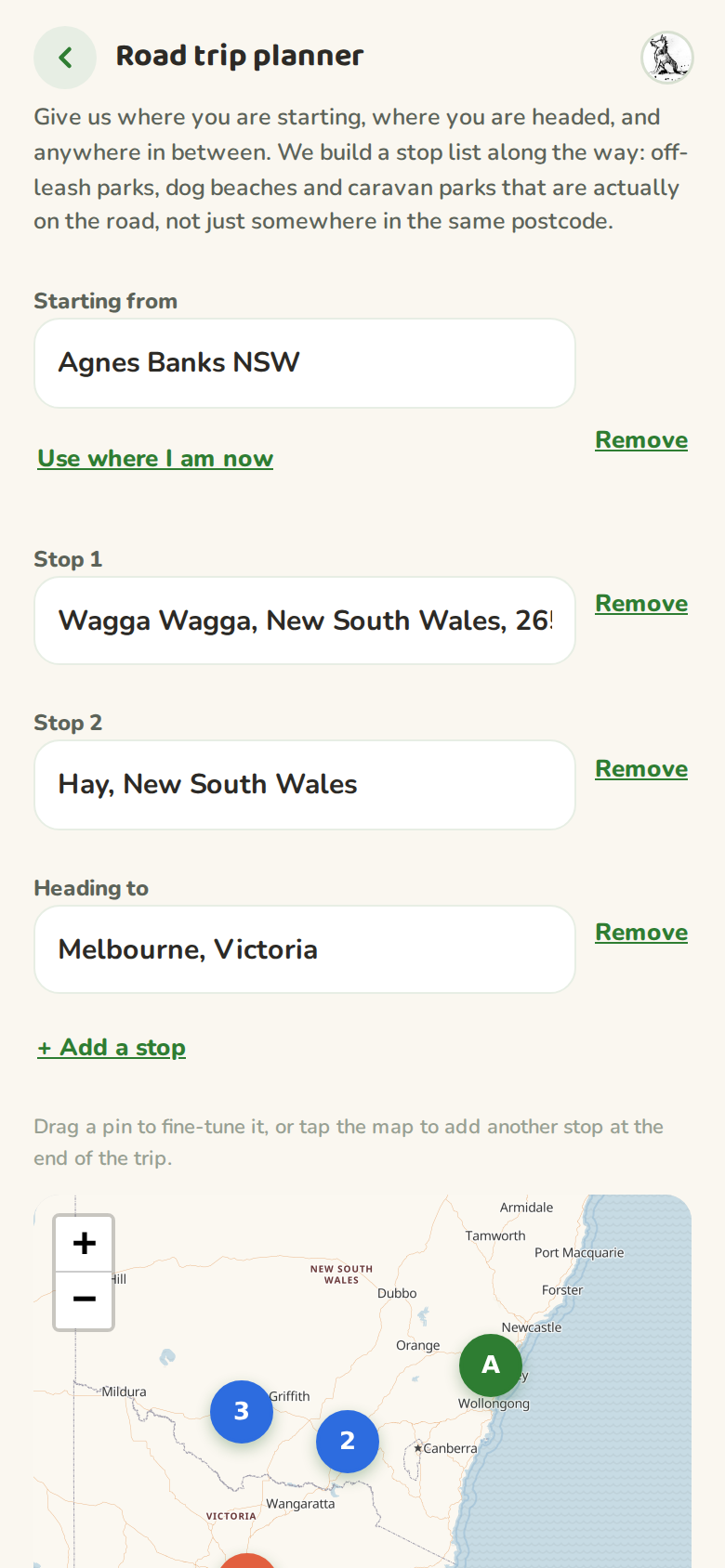
Choose how often to stop, and what counts as a stop
Once the four locations resolve, the map draws the route and a second set of choices shows up: how often to take a break, and which kinds of stop to include. We left it at every two hours and kept all five categories on, off-leash park, dog beach, caravan park, kennel and vet, so the planner had the widest net to choose from.
Plan the route, see the stops before paying for anything
Tapping "Plan the route" is what actually asks the planner to work the corridor and find real places, not just a straight line. For this trip it found five: a vet outside Goulburn, an off-leash area near Coolac, and caravan parks at Lake Talbot, Hay and one more heading into Victoria. The first stop is free to see in full. The rest show as a locked preview, so you know the shape of the trip before you decide whether it is worth unlocking.
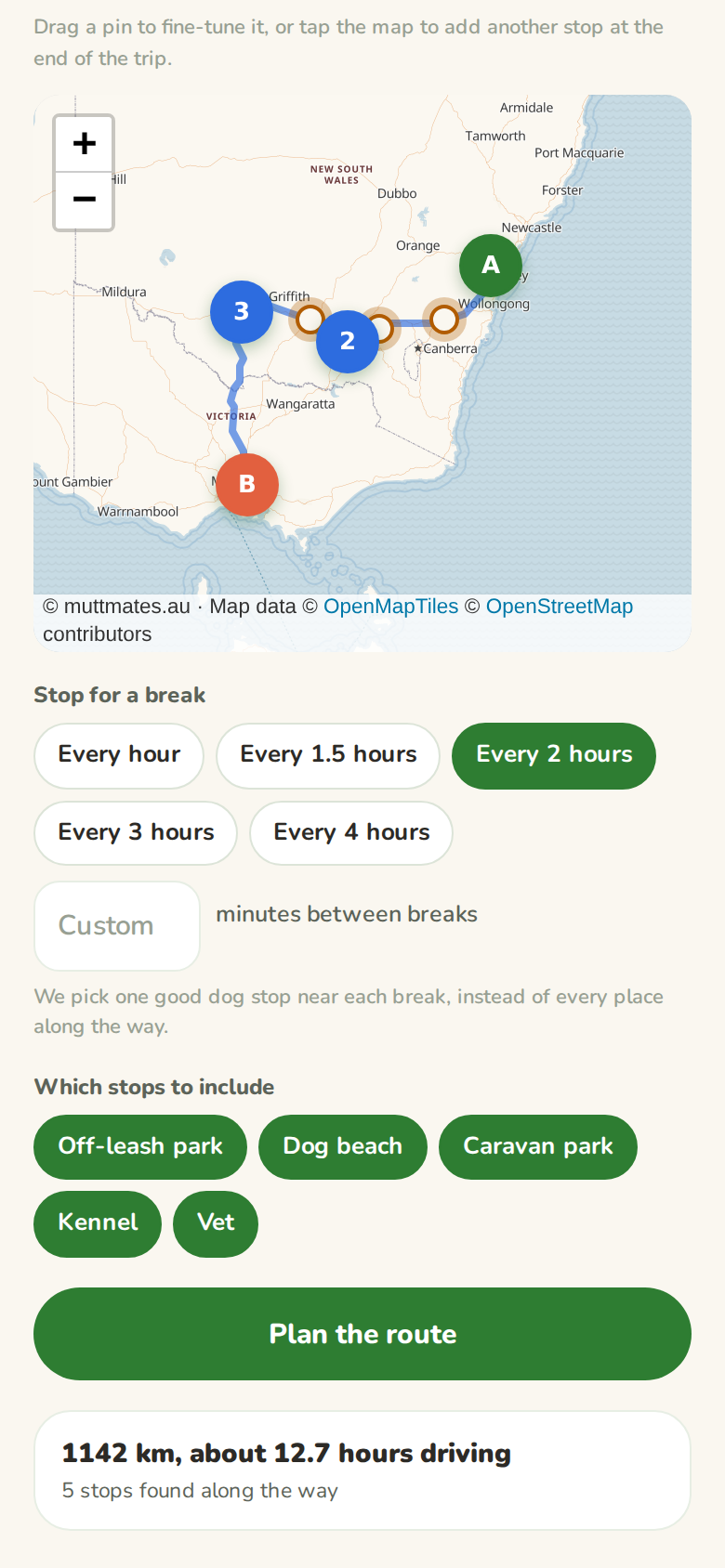
The first route is free. Every new account gets one full route unlocked at no cost, this one included. After that, unlocking the full stop list on a route is a small one-off payment, not a subscription. Planning and previewing a route is always free either way.
Unlocked: the full stop list on the map
Unlocking shows every stop with its name and kind, drag any pin to fine-tune it, or tap the map to add another one. Start and finish stay locked in place unless you plan a new route from scratch.
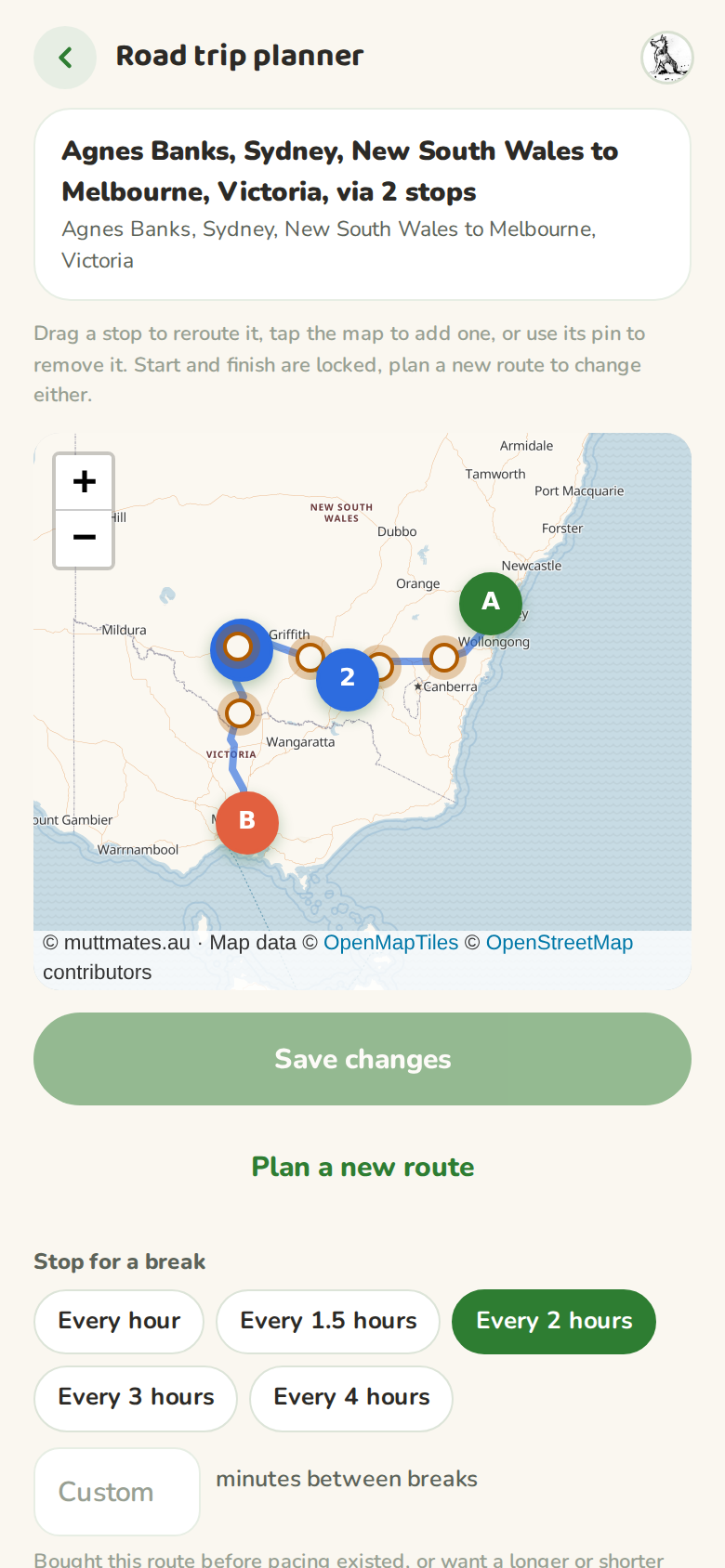
Print it, or take the PDF
"Print directions" builds a plain sheet meant for the glovebox, not the screen: the map with numbered stops, a table showing roughly where your trip meter should read at each one, then full turn-by-turn directions underneath. We generated the actual PDF this trip would produce, so you can see the real output rather than take our word for it.
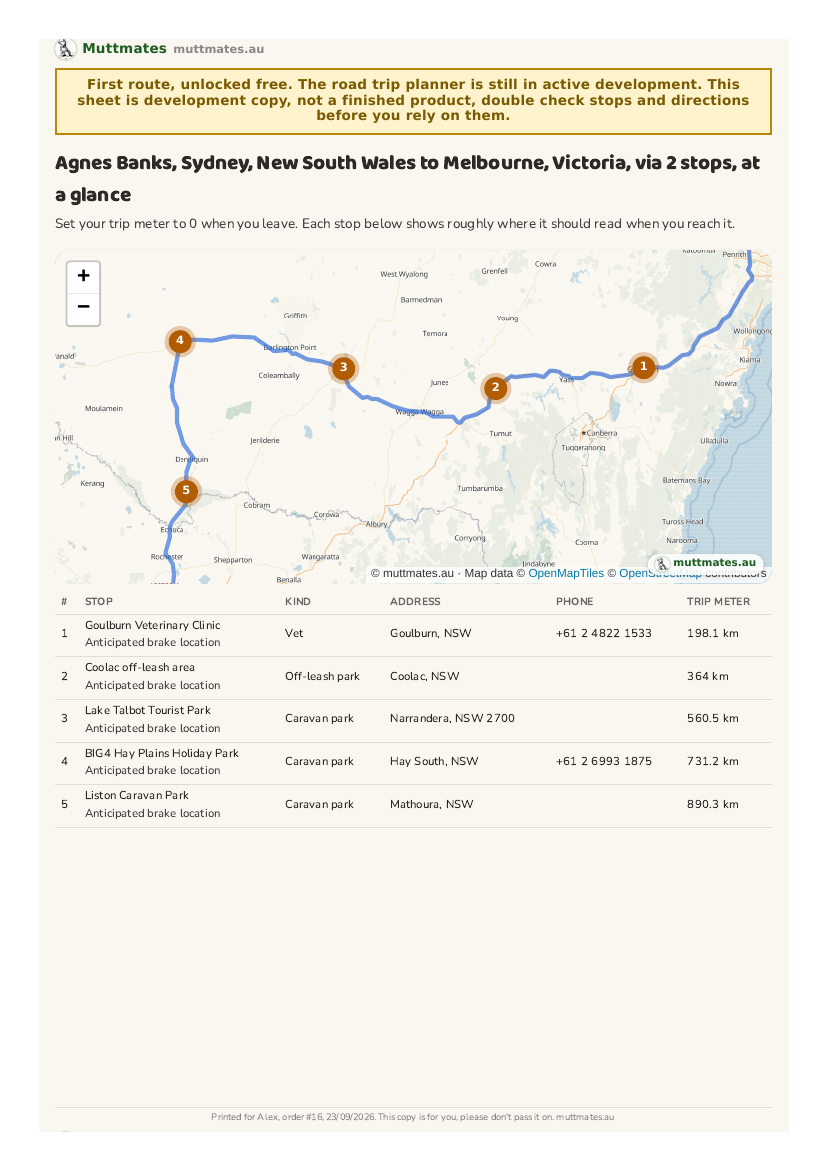
Agnes Banks to Melbourne, via 2 stops
The full 8-page route sheet this trip produced: map, stop table, turn-by-turn directions.
Download the example PDFWhat this trip doesn't show you
Every route is different, because every route is drawn from what actually sits along that particular road, not a fixed list. A coastal run will turn up more dog beaches, a trip through the outback will lean on caravan parks and the odd vet. Agnes Banks to Melbourne through Wagga Wagga and Hay happens to be a good demonstration because it is long enough to need several stops and inland enough that you can't just wing it with whatever's near the highway.
This article shows a worked example only. Stop names, distances and drive times reflect what the planner returned on the date this was written and can change as new places are added or a route is re-planned. Always check a stop is right for your dog before you rely on it.